Craftworks
ToolsHistorySign in
RU|EN
ToolsHistorySign in
RU|EN
Photo tools15 tools

Simple AI tools for photos and images

Create an image from scratch, improve a photo, make it bigger, or remove the background. Just pick what you need.

See all toolsTry photo generator

Start with the task

Choose the tool you need

Each tool does one clear thing: create an image, improve a photo, make it larger, or remove the background.

You do not need to know a model or write a complex prompt. Pick the closest scenario, then open the right tool below.
From scratchCreate an imagePhoto, avatar, interior, or creative from a description.Have a photoImprove the sourceMake a shot cleaner, larger, or ready to publish.SalesPrepare a productProduct card, item on model, or clean background.ContentMake a coverStories, YouTube previews, and quick launch visuals.
PhotoPeopleProductsContent

Photo Generator

A flexible generator for any task.

1 tool
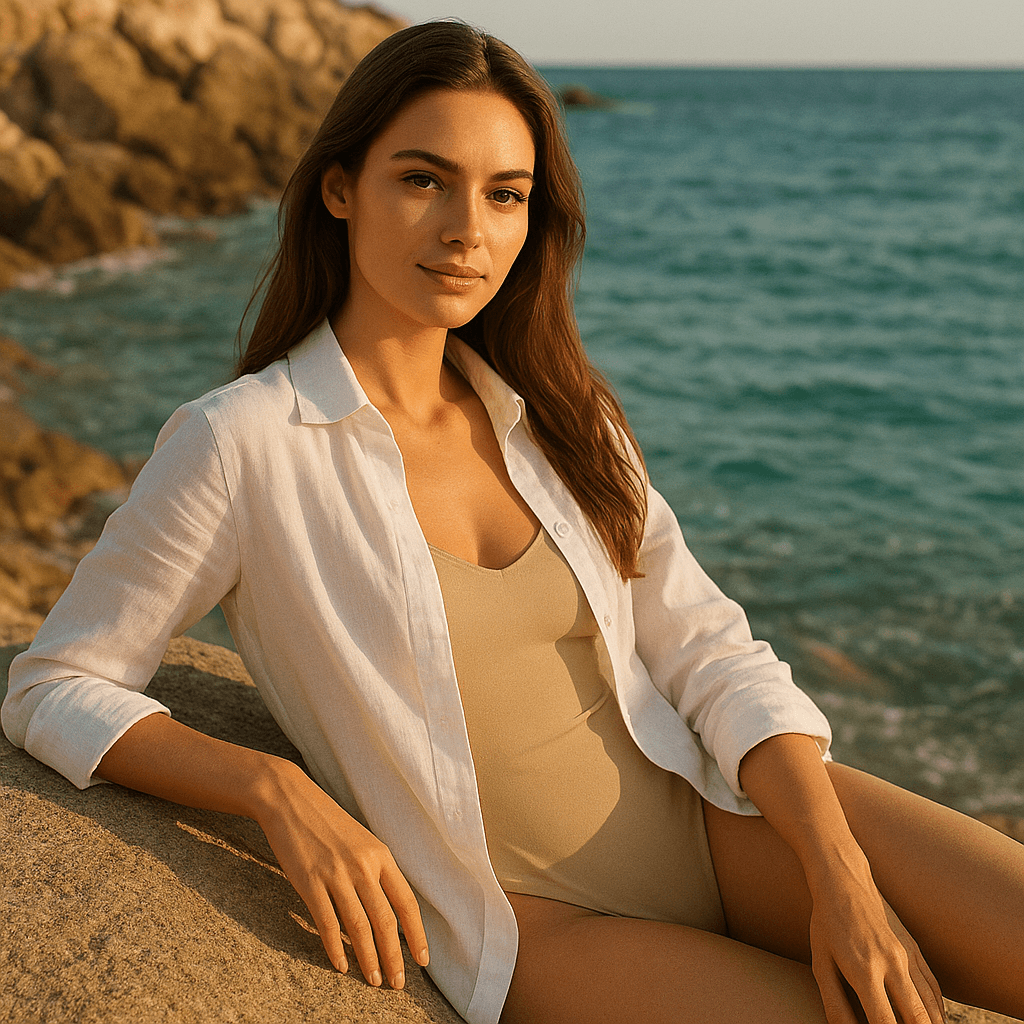
Lifestyle beach photo of a woman by the sea

AI Photo Generator

Creates images from your description.

Open tool

People and portraits

Avatars, portraits, couples.

4 tools
Romantic realistic couple photoshoot by the sea

Couple Photo Generator

Creates a romantic couple photo from a prompt or reference.

Open tool

Beautiful premium portrait of a woman for an avatar

Premium Avatar

Creates a polished high-end portrait for a profile.

Open tool

Business headshot with studio lighting

Business Headshot

Creates a professional headshot for a website, resume, or profile.

Open tool

Commercial shot with a premium car

Me Next to a Car

Places a person next to a premium car in a realistic shot.

Open tool

Products and food

Products, food, marketplaces.

3 tools
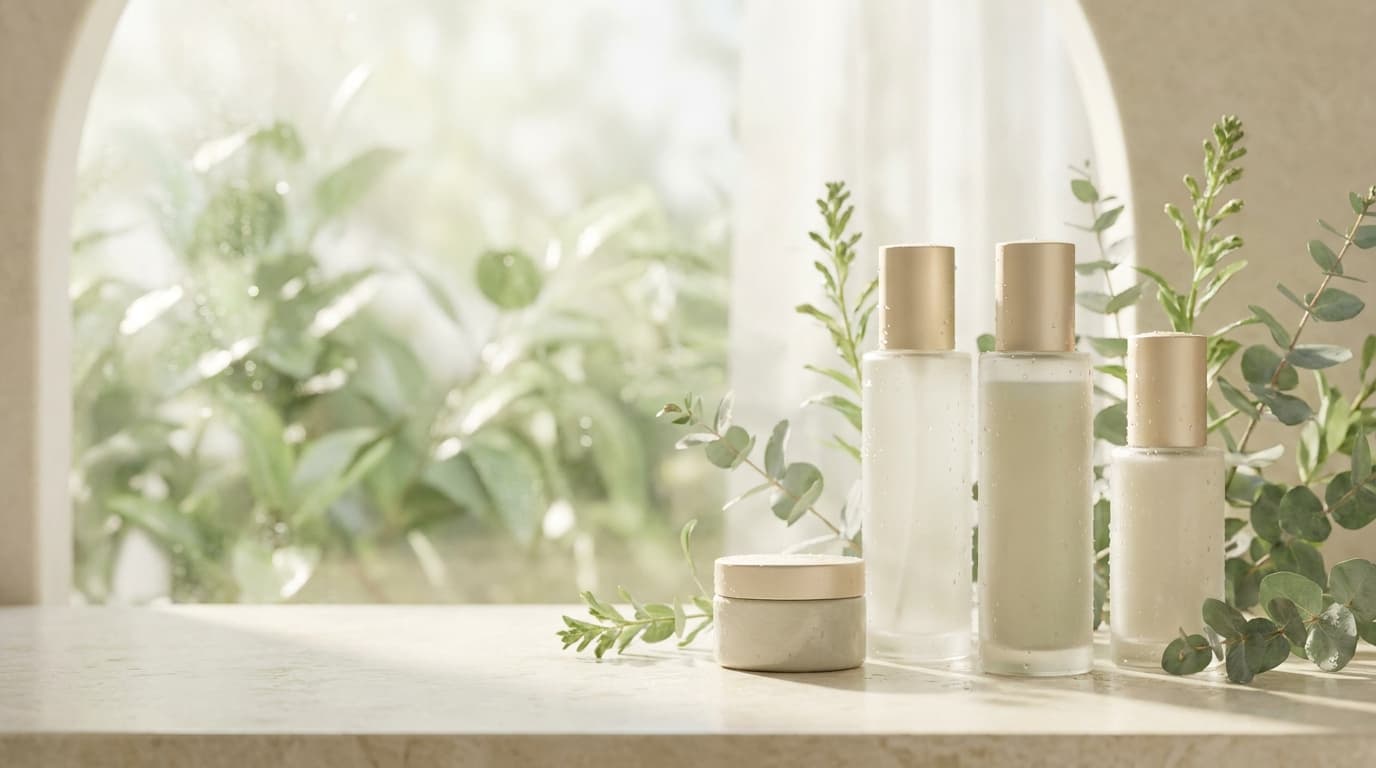
Product card generated with Nano Banana

Marketplace Product Photo

Creates a clean product listing image on a light background.

Open tool
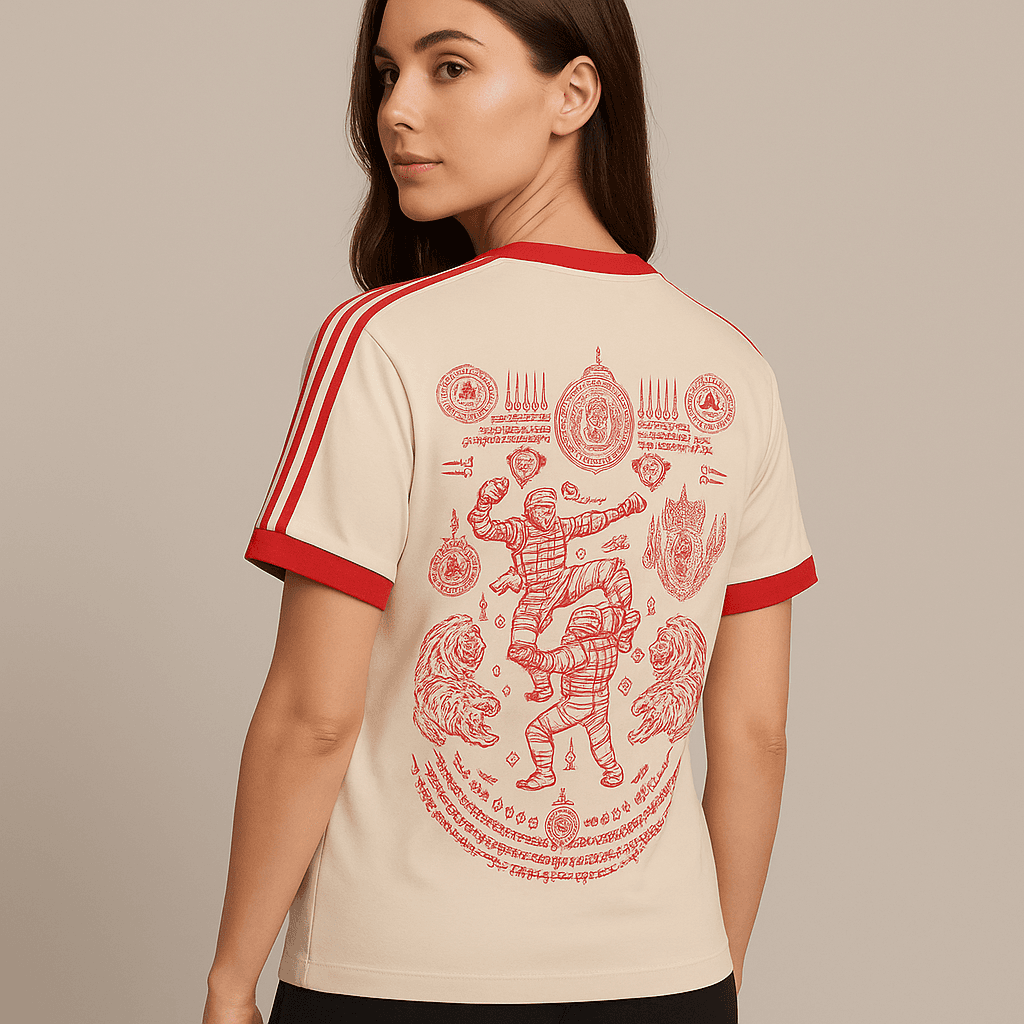
T-shirt on a model with preserved print and fit

Product on Model

Shows clothing, an accessory, or a product on a person.

Open tool
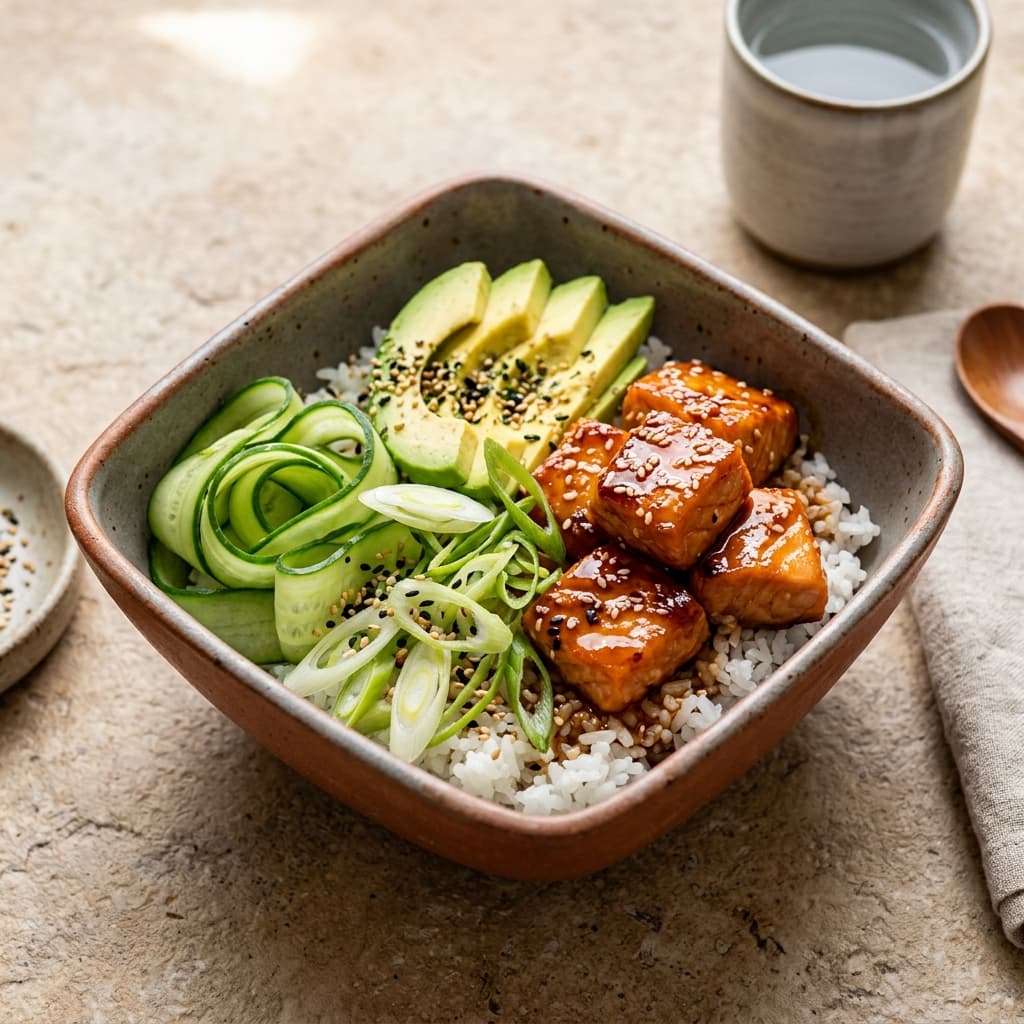
Appetizing menu dish photo for delivery

Menu Food Photo

Creates an appetizing food photo for a menu, delivery, or ad.

Open tool

Social, brand, and covers

Stories, covers, brand.

3 tools
Vertical sale visual for social stories

Story Visual

Creates a vertical image for a launch, sale, or event.

Open tool
Wide bright base for a YouTube thumbnail

YouTube Cover

Generates a bright base for a video thumbnail.

Open tool
Visual example for a wide moodboard block

Interior Moodboard

Creates a realistic interior from style, room, and mood.

Open tool
More small tools coming later

Photo Improvement

Makes photos cleaner and more pleasant.

Soon

Enlarge Image

Makes images bigger and sharper.

Soon

Remove Background

Removes everything unnecessary around the main subject.

Soon

Request Helper

Helps you write a clearer and simpler request.

Soon

Image Caption

Helps quickly come up with a short text for an image.

Soon

Product Card Text

Helps quickly put together a short text for a product.

Soon
Catalog

How it works

No complicated setup. Choose a tool, upload a photo or describe the result, and get a finished image.

1
Choose a tool

You can see right away what each tool does and when to use it.

2
Describe the job or upload the source

The generator uses your description, while the editing tools start from a photo.

3
Export the finished result

Download the result or move to a related tool if you need something else.

What users get

Users do not need to understand models: each tool leads to a clear result.

Ready scenario

A product card, portrait, cover, or social image opens as a focused form.

Reference or description

Start from text, upload a source photo, and choose a format without technical setup.

Saved result

After generation, the image is saved to history and can be downloaded or reused.
© 2026 Craftworks
Tools for creating, editing, and preparing visual content.
Popular toolOfferPersonal dataCross-border transferRefunds